
Emergent Drums Alternative: Tapechild UDS-16 (2026)
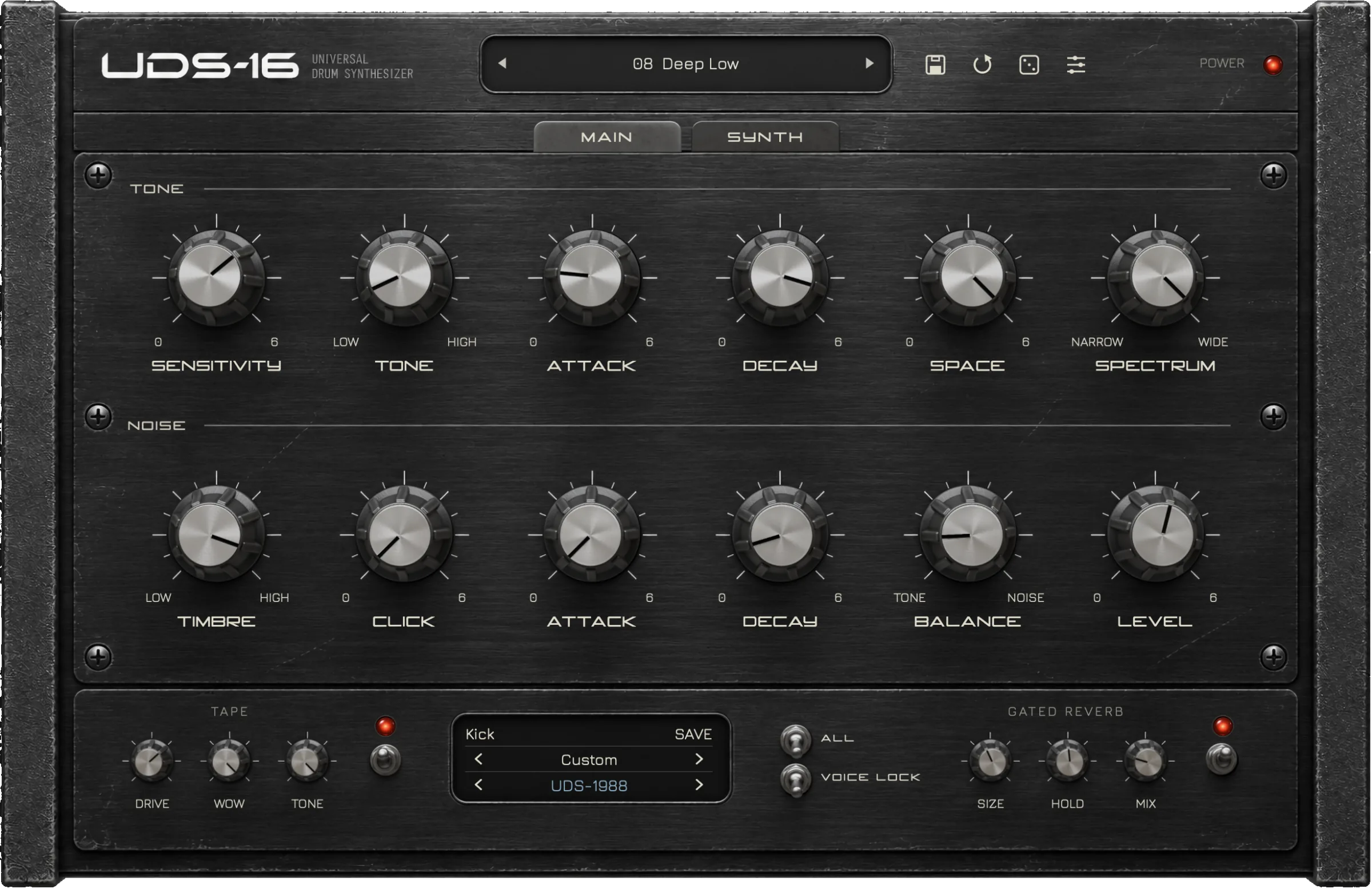
Audialab Emergent Drums 2 generates new drum samples with machine-learning models and plays them from sixteen pads. Tapechild UDS-16 is a sixteen-voice drum synthesizer that builds every hit from circuit models and envelopes as you play it, and generates nothing. Pick Emergent Drums for a large number of new one-shots quickly; pick UDS-16 for a kick, snare or hat whose pitch, decay and timbre stay live controls inside the track.
Why people look for an Emergent Drums alternative
Emergent Drums does a specific job well: press generate, get a drum nobody has used before, drag it into the DAW. People who go looking for something else usually have one of three reasons, and none of them is that the samples sound bad.
The first is that a sample is finished the moment it exists. Emergent Drums gives each pad gain, attack, release, clip, filter and pitch, which shape a recording after the fact. They cannot reach inside the hit: the pitch drop of a kick, the balance between a snare’s tone and its noise, the way a hat tightens with velocity. Producers who automate those things through a track want a drum that is still being calculated while the song plays, which is what synthesis is and generation is not.
The second is ownership. Emergent Drums 2 is a one-time purchase and the samples you generate live on your disk, but generation itself needs an internet connection, because the models run on Audialab’s side. Some producers want the whole instrument on the machine in front of them, with no part of the sound depending on a server. The third is that they want synthesis they can reason about. A knob labelled decay does the same thing every time; a similarity slider gives you a neighbourhood of results to audition. Both are legitimate ways to work, for different temperaments.
Emergent Drums vs UDS-16 at a glance
| Emergent Drums 2 | UDS-16 | |
|---|---|---|
| Type | Generative drum sample instrument | Drum synthesizer |
| Synthesis | None. Two machine-learning models (Creamy, Crunchy) generate samples, which are played back from pads | Live synthesis; four models selectable per drum (UDS-1987, UDS-1988, ROKTON, UDS-16) |
| Voices | 16 pads, playable via MIDI, multi-out per pad | 16 voices on C2–D#3, each tuned independently |
| Sequencer | None listed; played via MIDI | None; timing from the DAW or a MIDI controller |
| Presets | Bundled presets; generated samples saved locally and exportable | Factory kits and single-drum presets for every model |
| Effects | Per-pad gain, attack, release, clip, filter, pitch; sample layering | Tape (drive, wow, tone) and Gated Reverb (size, hold, mix), each bypassable; up to 4× oversampling |
| Formats | VST3, AU (64-bit); no standalone, no AAX | VST3, AU, Standalone (macOS); VST3, Standalone (Windows); no AAX, no Linux, no CLAP |
| OS | macOS 10.11 or later, Windows 7 or later (64-bit); internet required to generate | macOS 11.0+ (Universal 2), Windows 10/11 64-bit; fully offline |
| Price at time of writing | $149 list, one-time; shown at $37 during a sale | $49 one-time (list $79) |
| Try before buying | No trial; 30-day money-back guarantee | No trial; audio demos on the product page |
| Best for | Volume and novelty of one-shots, fast | Hits whose pitch, decay and timbre stay live in the track |
What Emergent Drums does
Emergent Drums 2 is a plugin from Audialab that generates drum samples with machine-learning models. You choose a drum type on a pad (kick, snare, clap, closed or open hat, cymbal, other percussion, or noise and glitches) and the plugin returns a new sample of that type. Audialab states that no source recordings are used in generation: the models were trained on a database of drum and percussion samples and produce each new one from scratch. A similarity slider steers the next generation between random and close to the current sample, and Deep Sampling lets you drag one of your own samples in and generate variations of it.
Two models ship with it. Audialab describes Creamy as shimmering cymbals, deep kicks and snapping snares, and Crunchy as high-energy noise, grit and glitches. Around the generator is a sixteen-pad instrument: MIDI playable, multi-out per pad, choke groups, MIDI note assignment, drag-and-drop pad rearrangement and a Compact View for one sound at a time. Each pad trims its sample and sets gain, attack, release, clip, filter and pitch, and samples can be layered. Anything you make drags straight into the DAW or exports to a folder.
Two conditions matter. Generating needs an internet connection; once samples are on disk the plugin plays them offline. And it is a sample instrument by design: the drum you hear is a file written when you pressed the button. That is the trade this page is about. Official Emergent Drums page
What UDS-16 does
UDS-16 is a drum synthesizer. Sixteen independent voices sit on MIDI notes C2 to D#3, each with its own tuning, and every hit is computed when the note arrives. There is no sample library, no sample import and no round-robins. It does not generate samples at all; to get a file, you record its output.
Each voice picks one of four synthesis models. UDS-1987 is a circuit model of a channel from the Soviet Lel UDS: a free-running tone, raw digital noise, a resonant click and an output stage that bites when pushed. UDS-1988 is a second voicing of the same channel, kept separate because the same knob positions land differently. ROKTON is inspired by the seven-channel Formanta Rockton, the box collectors call the Soviet 808, expanded to sixteen voices; its noise chain is an approximation, not bit-exact. UDS-16 is Tapechild’s own engine with no hardware original: a pitched body with its own pitch envelope, harmonics, a noise layer, a short transient, six inharmonic partials for metallic colour and a drive stage.
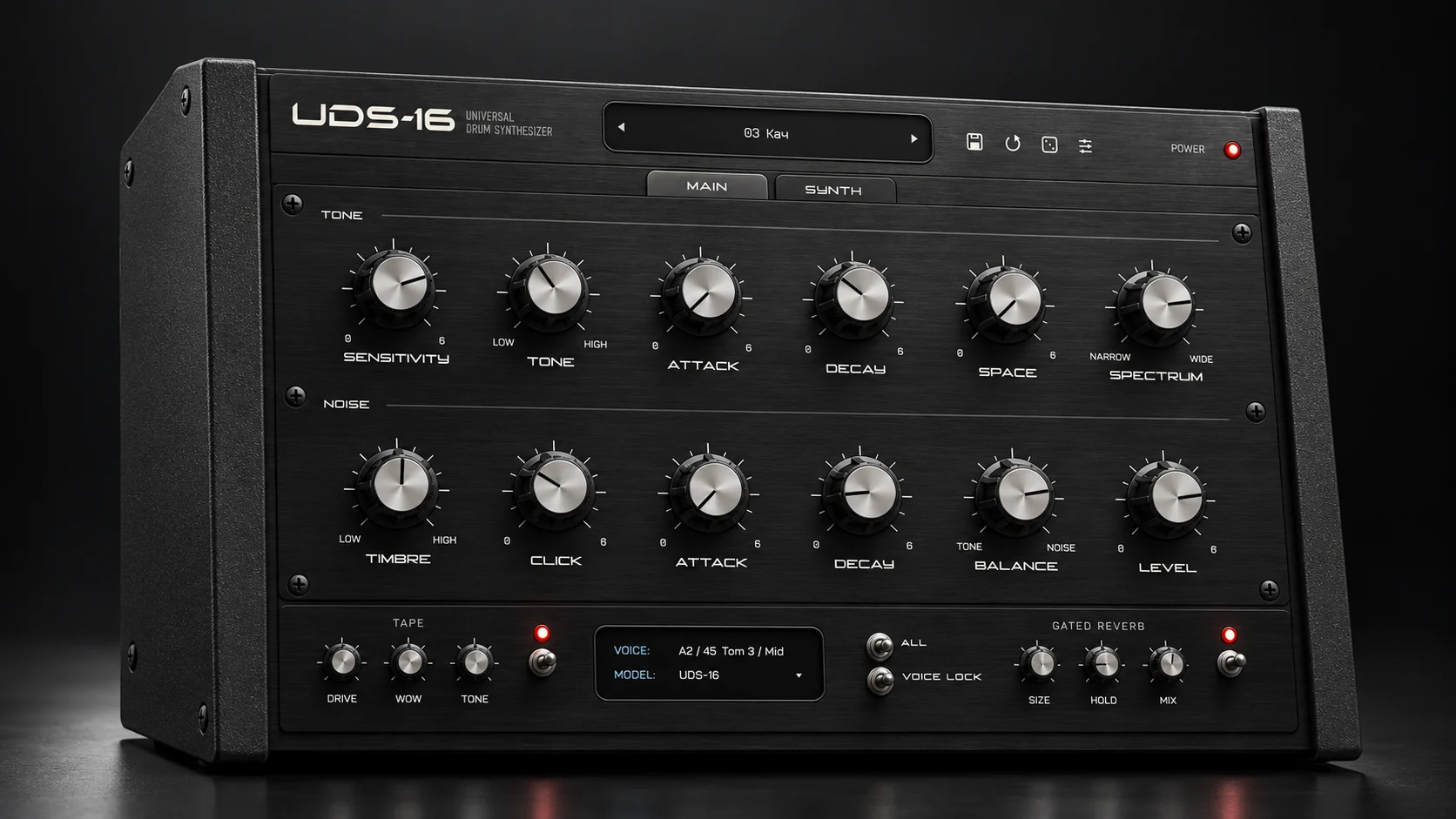
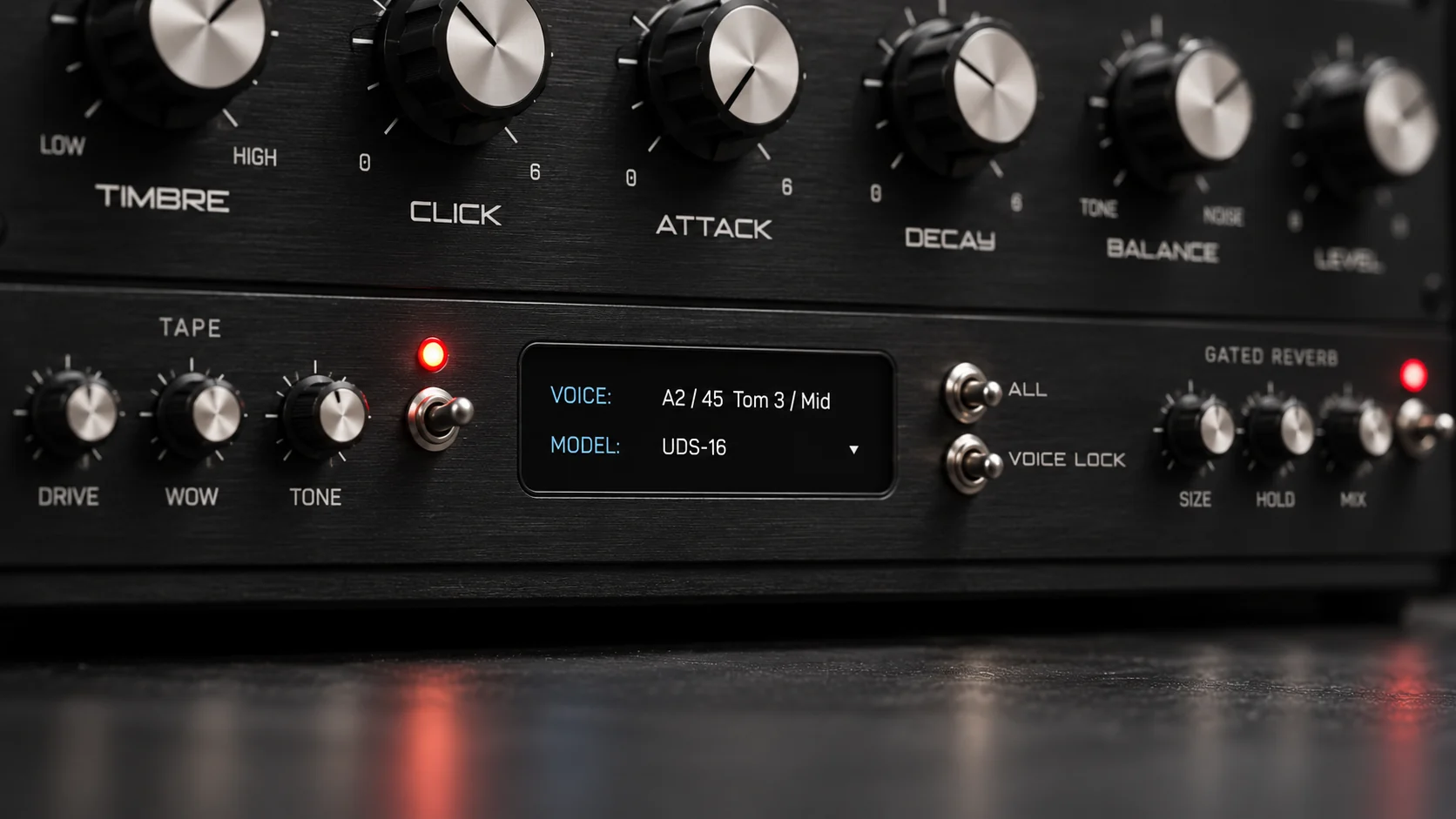
The main panel is the same for every model: a Tone section with sensitivity, tone, attack, decay, space and spectrum, and a Noise section with timbre, click, attack, decay, balance and level. Velocity changes the response. After the voices come a Tape stage (drive, wow, tone) and a Gated Reverb (size, hold, mix); every stage can be bypassed, and the engine runs at up to 4× oversampling. Tapechild is not affiliated with the makers of the Lel UDS or the Formanta Rockton, and UDS-16 is not sold as an exact emulation of either. It shipped in September 2026, so it is a young product from a small studio.
Sound and synthesis
Follow one drum through each. Start with a kick. In Emergent Drums you select kick on a pad and press generate; you get a finished sample with its pitch drop, length and click baked in. If it is nearly right, you generate similar ones until one is right, then trim it and set gain, attack, release, clip, filter and pitch. Pitch shifts the whole recording, so the sub moves with the click. In UDS-16 the kick is a tone with an envelope you set: sensitivity and tone place the body, attack and decay shape it, and on the UDS-16 model the pitch envelope, harmonics and drive are separate controls. Automate decay across a bar and the kick lengthens as a live parameter, which a sample cannot do without re-rendering.
A snare shows the difference more clearly. Emergent Drums produces snares as whole objects, and the similarity slider is how you steer between snappier and duller candidates. UDS-16 builds a snare from two halves you control separately: the Tone section carries the pitched body and the Noise section carries the wires, with balance setting how much of each you hear and timbre and click deciding if the noise is a hiss or a crack. On UDS-1987 and UDS-1988 the noise is raw and digital and the output stage adds grit when driven; on ROKTON it leans toward the Rockton’s reading of an 808 snare. None of this is a knock on the generated snare; it is a different relationship with the sound.
Hats are where generation is strongest and synthesis most exposed. Emergent Drums generates closed hats, open hats and cymbals as distinct types, and Audialab describes Creamy around shimmering cymbals specifically. Cymbals are hard to synthesize; UDS-16 reaches for them with the six inharmonic partials of its own engine and the spectrum control, and gets a metallic, chattering hat rather than a photograph of a ride. For a realistic crash, Emergent Drums or a sampler gets there faster. For a hat that opens and closes by decay under automation, only synthesis does that.
What each cannot do, plainly. Emergent Drums cannot change a drum after generating it beyond the pad’s trim, envelope, filter, clip and pitch, and it needs a connection to make new ones. UDS-16 cannot give you a sample you did not build, cannot import one, has a narrower palette than a multi-engine kit designer and does not attempt acoustic realism. For the mechanics of tone, noise and envelope controls, see how drum synthesis works.
Workflow: sequencing, presets and the DAW
Neither plugin has a step sequencer. Emergent Drums is played via MIDI and its page lists no pattern editor; UDS-16 takes its timing from the DAW or a MIDI controller. In both cases your piano roll is the drum programmer, a wash between the two and a real difference from Microtonic or the D16 machines.
Where the workflows split is what happens after a sound is right. In Emergent Drums the natural next move is to drag the sample out, into a sampler, a sequencing tool or a folder as the start of a pack. In UDS-16 the sound stays inside the instrument, because the sound is the instrument’s state: save it as a preset, automate it, recall it in another project, but there is no file to hand around. If sample-pack building is part of your work, that is a point for Emergent Drums. If you would rather not manage a growing folder of one-shots, it is a point for UDS-16.
On presets, Emergent Drums ships bundled presets and keeps every sample you have generated so you can navigate back through them. UDS-16 ships factory kits and single-drum presets for every model; the ecosystem around it is small because the product is new. Emergent Drums’ multi-out and choke groups are what a sampler user expects; UDS-16 answers with sixteen independently tuned voices, per-voice model selection, and leaves mixing to the DAW.
Formats, price and licensing
Emergent Drums 2 runs as VST3 and AU, 64-bit only, on macOS 10.11 or later and Windows 7 or later. Its page says Linux and standalone versions are planned but not available, and lists no AAX. UDS-16 runs as VST3, AU and Standalone on macOS 11.0 or later (Universal 2, Apple Silicon and Intel) and as VST3 and Standalone on Windows 10 and 11, 64-bit, with a signed installer. No AAX, no Linux, no CLAP, so Pro Tools users are out on both counts.
Both are one-time purchases. Emergent Drums 2 lists at $149 and, at the time of writing, is shown at $37 during a sale; Audialab also sells an Everything bundle that includes it, offers a 30-day money-back guarantee and has no trial. UDS-16 is $49 one-time against a list price of $79, with free updates within the UDS-16 line; the licence activates on up to three computers, online or offline, with no iLok. There is no trial version; the audio demos on the product page are how you hear it first. One difference is structural: Emergent Drums needs Audialab’s servers to generate, so that half of the product depends on the company staying online, while samples already made do not. UDS-16 has no server component. Explore UDS-16
Which one should you buy?
Buy Emergent Drums if…
You want a large number of drums that do not exist in anyone else’s pack, and you want them this afternoon. You build sample packs or feed a sampler workflow and need files, not an instrument. You want cymbals and crashes without recording any, or you have your own hits and want variations of them through Deep Sampling. You are fine with generation needing a connection and a $149 list price that is often discounted.
Buy UDS-16 if…
You automate drum parameters through a track and want the pitch, decay and noise balance of each hit to stay live. You want a signature layer (gated snares, unstable synthetic toms, Soviet-era percussion) alongside a kit you already own, not a replacement for it. You want an instrument that runs entirely offline on up to three computers for $49. You accept no sequencer, no AAX, a narrow palette and a small preset library from a product that shipped this month.
Can you run both? Yes, and they overlap little. A working template might use Emergent Drums for the cymbals, claps and one-off percussion it is good at, exported into a sampler, while UDS-16 supplies the kick, snare and hat that need to move with the arrangement. If you want generated one-shots without buying a plugin for them, our AI sample generator makes them in the browser, and our royalty-free free sample packs were produced with it.
Other UDS-16 comparisons
- UDS-16 vs Microtonic
- UDS-16 vs AIR Drum Synth 500
- UDS-16 vs D16 Nepheton 2
- UDS-16 vs D16 Drumazon 2
- UDS-16 vs Arturia Spark 2
- UDS-16 vs Baby Audio Tekno
- UDS-16 vs DrumSpillage 2
- UDS-16 vs VSDS-X
- UDS-16 vs KICK 2
- UDS-16 vs Ableton Drum Synths
- 12 best drum synth plugins
Frequently asked questions
Is UDS-16 an Emergent Drums alternative?
Only for one of the reasons people look for one. If you want drums nobody else has, UDS-16 gets there by modelling circuits no other plugin models, and every hit stays editable while the song plays. If you want the volume of one-shots Emergent Drums produces, UDS-16 is not an alternative: it does not generate samples at all. Decide which of those two things drew you to Emergent Drums first.
Emergent Drums vs UDS-16 for techno and house: which is better?
Neither is better outright. For a techno kick that lengthens and tunes with the arrangement, UDS-16 keeps pitch and decay as live parameters, and its Tape stage adds drive and drift. For house, where a fresh clap, shaker or crash often decides the groove, Emergent Drums generates those as distinct types and its Creamy model is described around cymbals. Many producers would use one for the kick and snare and the other for everything above 2 kHz.
Does Emergent Drums 2 work offline?
Partly, according to Audialab’s page. Samples you have generated are stored locally, and once they are on disk the plugin plays them without a connection, which covers live shows and studios without internet. Generating new samples requires an internet connection. UDS-16 has no online component: synthesis, presets and licence activation all work offline.
Does either plugin have a step sequencer?
No. Emergent Drums 2 is played via MIDI and its official page lists no pattern editor; UDS-16 has no sequencer by design and takes timing from the DAW or a MIDI controller. If you want to write patterns inside the drum plugin, both are the wrong shape; Microtonic or D16’s Nepheton 2 fit that job better.
Can UDS-16 export samples like Emergent Drums does?
Not as a feature. Emergent Drums 2 drags samples straight into the DAW and exports a whole kit to a folder. UDS-16 has no export button because there is no sample inside it; the drum is computed each time it is triggered. To get a file you bounce the plugin’s output in your DAW, which any host can do, but the result is a snapshot of one setting.
Are the samples from Emergent Drums royalty-free?
Audialab’s product page describes the generated samples as royalty-free and states that no source recordings are used in generation. UDS-16 produces no samples, so the question does not arise; the audio you record from it is yours in the ordinary way. Check each maker’s licence agreement for the current terms before releasing a pack built with either.
A generator gives you sounds you did not make; a synthesizer gives you sounds that are never quite finished. Explore UDS-16 if the second is what you want, and see our guide to the best drum synth plugins for the instruments that sit between the two.
Royalty-free WAV
Free sample packs
Royalty-free WAV, play every sample before you download.