
Tapechild UDS-16 vs AIR Drum Synth 500 (2026)
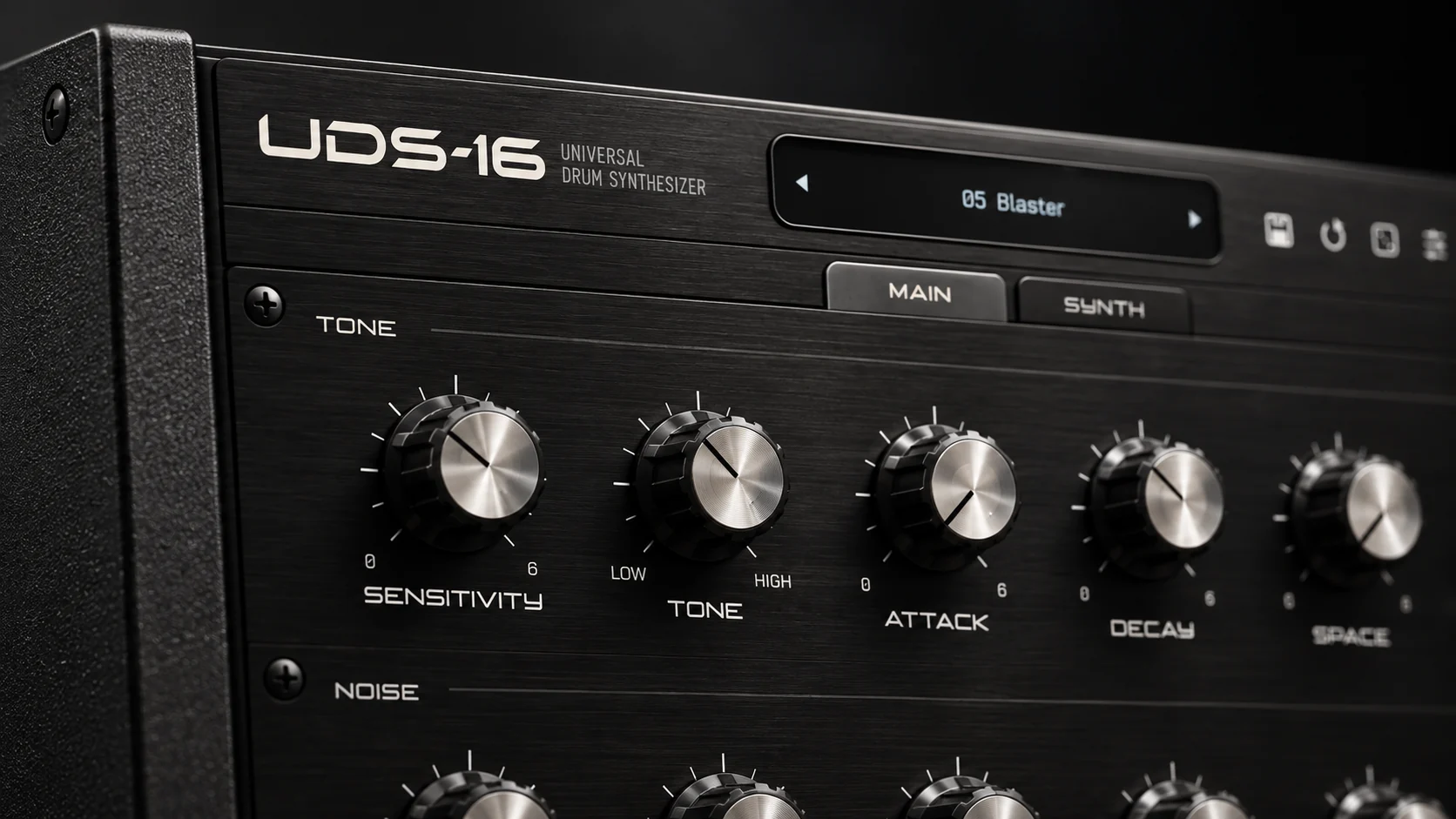
AIR Drum Synth 500 is a multi-engine kit designer: eight drum categories, a choice of synthesis method for each, and a mixer’s worth of processing on every channel. Tapechild UDS-16 is a sixteen-voice drum synthesizer built on four circuit models, three derived from Soviet hardware. Buy Drum Synth 500 to build a whole kit from one plugin; buy UDS-16 for a drum layer with a character your kit lacks.
The short answer
Pick Drum Synth 500 if you need a complete synthesized kit from a single instrument: kick, snare, clap, hi-hat, tom, percussion, crash and ride in one window, a choice of FM, analog-modelling or physical-modelling model per drum, and a transient shaper, distortion, EQ and compressor on each drum with delay, diffuser and reverb sends behind them. Pick it too if you work in Pro Tools, because it ships as AAX and UDS-16 does not. AIR lists it under $100 and discounts it often.
Pick UDS-16 if your kit already exists and what it lacks is a voice with an edge. It models a channel of the Soviet Lel UDS in two voicings, approximates the Formanta Rockton and adds Tapechild’s own engine, one of the four chosen per drum across sixteen independently tuned voices, with Tape and Gated Reverb stages built for the sound it makes. It costs $49 one-time and activates on three computers without iLok. It is the narrower instrument by design.
Drum Synth 500 vs UDS-16 at a glance
| Drum Synth 500 | UDS-16 | |
|---|---|---|
| Type | Kit designer, multi-engine | Focused drum synth, circuit models |
| Synthesis | FM, analog modelling and physical modelling; model chosen per drum | Four models chosen per drum: UDS-1987, UDS-1988, ROKTON, UDS-16; every hit synthesized at playback |
| Voices | Eight drum sounds: kick, snare, clap, hi-hat, tom, percussion, crash, ride | Sixteen independent voices on C2–D#3, each tuned separately |
| Sequencer | None; played from the DAW | None; played from the DAW or a MIDI controller |
| Presets | Included presets plus user preset slots | Factory kits and single-drum presets for every model |
| Effects | Per-drum transient, distortion, EQ and compressor inserts; delay, diffuser and reverb sends | Tape (drive, wow, tone) and Gated Reverb (size, hold, mix); every stage bypassable; up to 4× oversampling |
| Formats | VST2, VST3, AU, AAX | VST3, AU and Standalone on macOS; VST3 and Standalone on Windows. No AAX, no Linux, no CLAP |
| OS | Windows 10/11; macOS 12 to 15 | macOS 11.0+ (Universal 2); Windows 10/11 64-bit |
| Price at time of writing | Not printed on the product page; under $100 list and discounted often | $49 one-time (list $79), no subscription |
| Try before buying | No demo stated on the official page | No trial version; audio demos on the product page |
| Best for | Building a complete synthesized kit inside one plugin | A characterful voice layer next to a kit you already own |
What Drum Synth 500 does
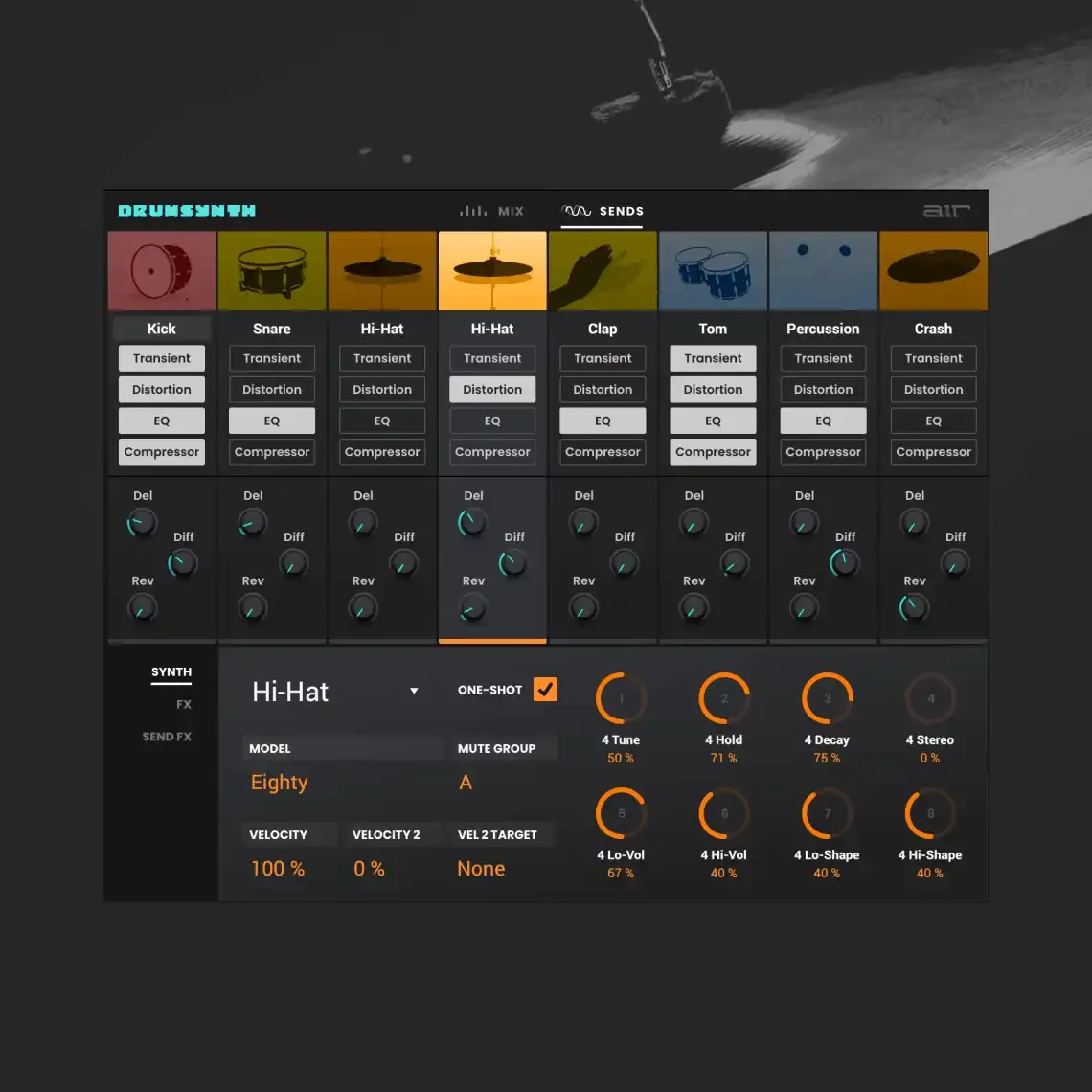
AIR’s product page lists the plugin as DrumSynth; the 500 suffix is how it is sold and searched for. The instrument holds eight drum sounds at once, one per category: kick, snare, clap, hi-hat, tom, percussion, crash and ride. For each drum you pick a Model from three families of algorithm, FM synthesis, analog modelling and physical modelling. Each drum then exposes up to eight parameter knobs whose names change with the model, plus a velocity amount and a second velocity envelope that can target any of them.
After the engine comes the part that makes it a kit designer. Every drum has four insert effects that switch on and off individually: a transient shaper, a distortion with pre-shape and mix, a four-band EQ and a compressor. Three sends sit behind them: delay, diffuser and a reverb with Hall, Stadium, Room and Abstract modes. Four mute groups handle open and closed hats, and the MIDI note for each sound can be edited or learnt from a controller. There is no sequencer. The user guide mentions presets and user slots but no count, and the page prints neither a price nor a demo, so check both in AIR’s store. Official Drum Synth 500 page
What UDS-16 does
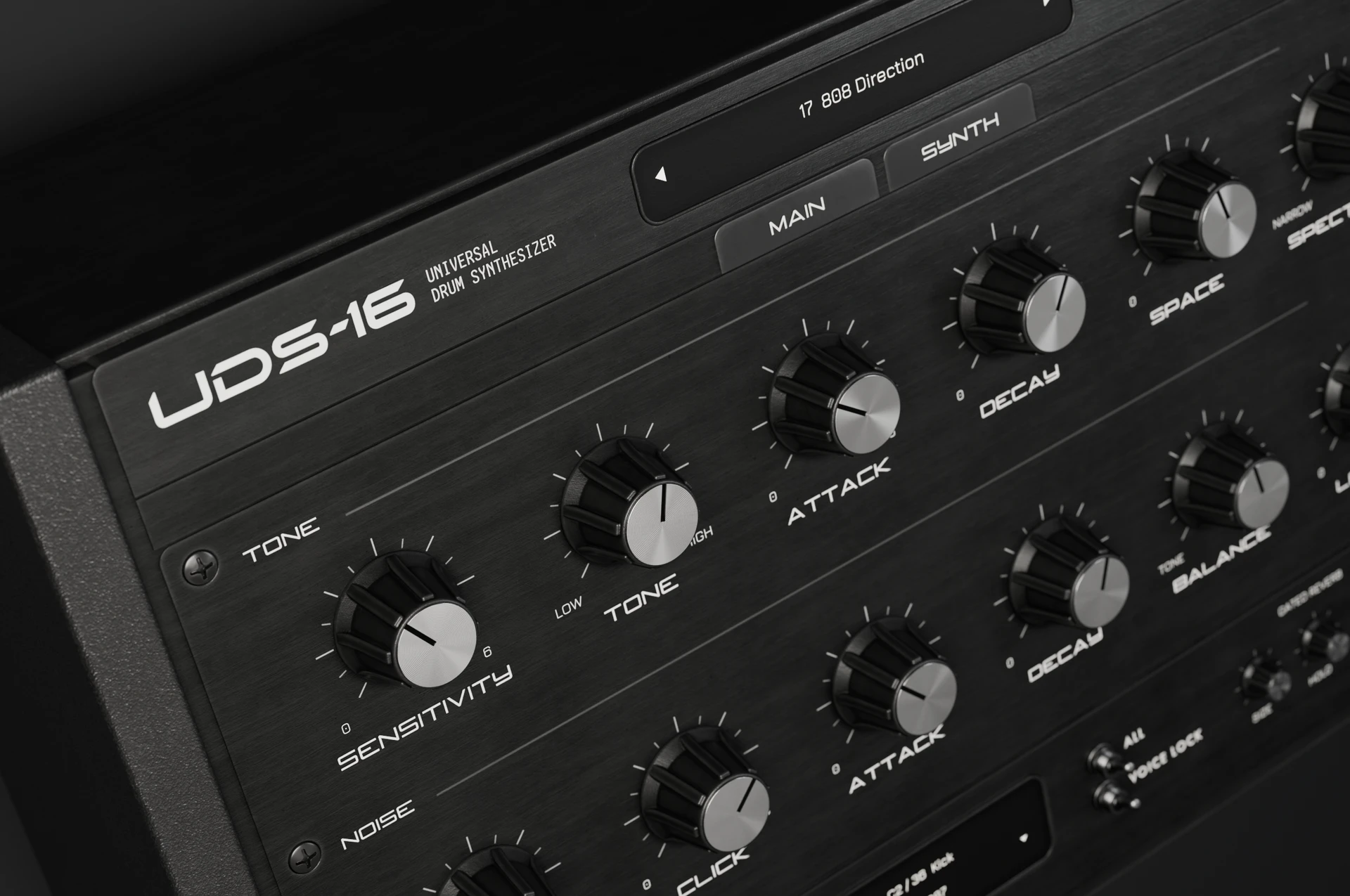
UDS-16 is a sixteen-voice drum synthesizer. The voices sit on MIDI notes C2 to D#3, each with its own tuning, and every hit is synthesized when the note arrives: no sample library, no sample import, no round-robins. Each voice runs one of four models. UDS-1987 is a circuit model of one channel from the Soviet Lel UDS: free-running tone, raw digital noise, a resonant click and an output stage that bites when pushed. UDS-1988 is a second voicing of the same channel, kept separate because the same knob positions land differently. ROKTON is inspired by the seven-channel Formanta Rockton, the box collectors call the Soviet 808, expanded to sixteen voices; its noise chain is an approximation, not bit-exact. UDS-16 is Tapechild’s own engine with no hardware original: a pitched body with its own pitch envelope, harmonics, a noise layer, a short transient, six inharmonic partials for metallic colour and a drive stage.
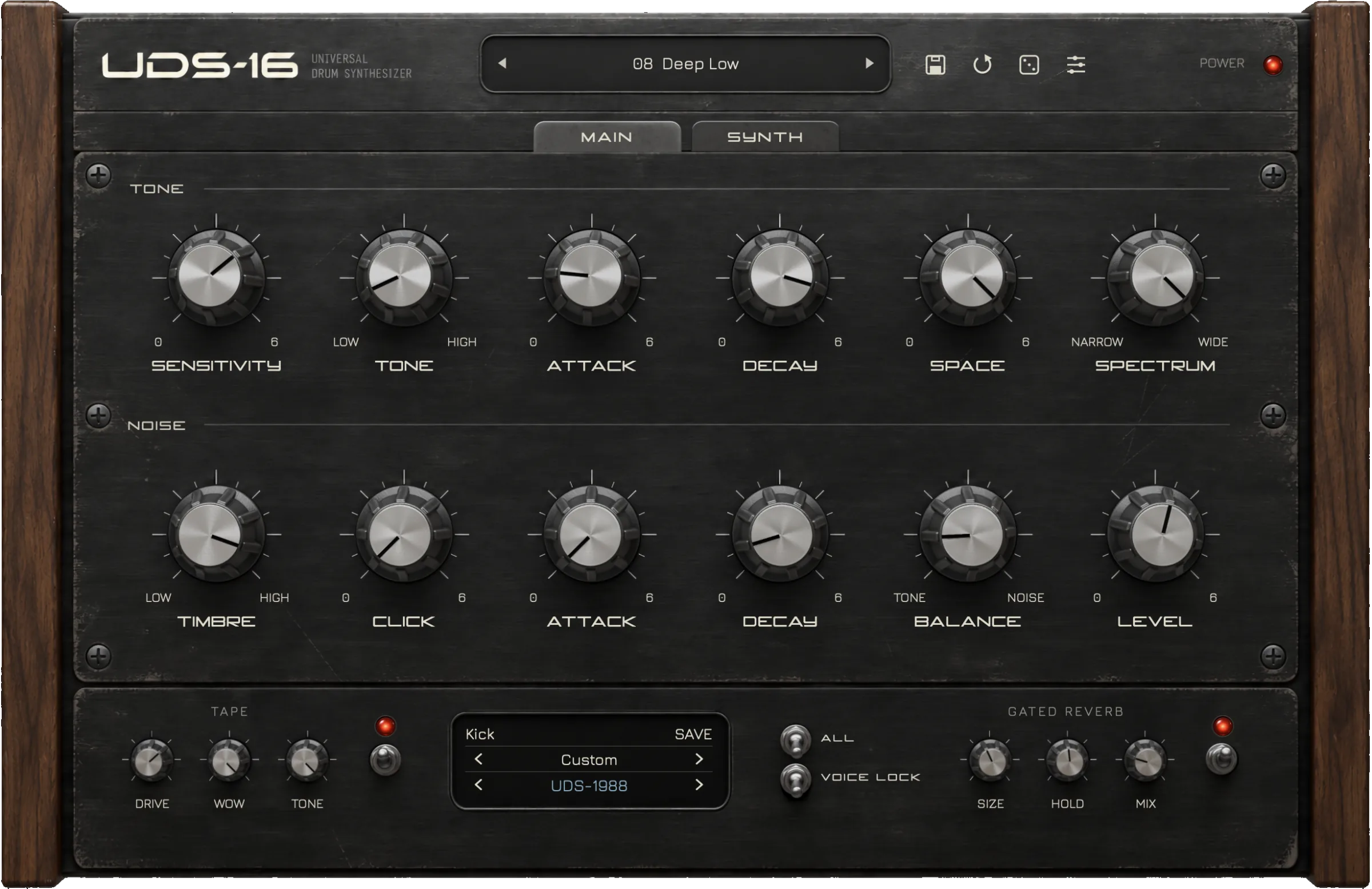
The main panel is the same for every model. A Tone section carries sensitivity, tone, attack, decay, space and spectrum; a Noise section carries timbre, click, attack, decay, balance and level; velocity changes the response. Two stages follow: Tape, with drive, wow and tone for saturation and pitch drift, and Gated Reverb, with size, hold and mix. Every stage can be bypassed, and the engine runs at up to 4× oversampling. Factory kits and single-drum presets ship for every model. There is no step sequencer and no per-voice EQ or compressor. Tapechild is not affiliated with the makers of the Lel UDS or the Formanta Rockton, and UDS-16 is not sold as an exact emulation of either.
Sound and synthesis
Drum Synth 500 asks which synthesis method suits this drum and gives you a menu. UDS-16 asks which of four circuits you want and gives you that circuit’s controls. If the terms below are unfamiliar, our guide to how drum synthesis works explains what tone, noise, click and envelope controls do.
Kick
In Drum Synth 500 you select the Kick category, choose a model, and the parameter knobs take on that model’s meaning; an analog-modelling kick behaves like a swept oscillator, an FM or physical-modelling model hands you different controls. The transient insert adds or removes attack, the distortion thickens the body, and the EQ and compressor sit the result in the mix. In UDS-16 the kick lives in the Tone section: sensitivity sets how hard velocity pushes the voice, tone sets the pitch, attack and decay shape the envelope, spectrum changes the harmonic content, and the Noise level stays low. On UDS-1987 the output stage bites as you raise the level; on the UDS-16 model the pitch envelope is its own control. Tape drive does the job Drum Synth 500 gives to its distortion insert, and wow adds pitch drift.
Snare
A snare is a pitched body plus filtered noise in both plugins, and this is where the difference is easiest to hear. Drum Synth 500’s Snare category lets you swap the whole model under the drum, so a physically modelled shell and an FM crack live in the same slot, and the four inserts finish each one. UDS-16 keeps body and noise as two sections with their own attack, decay and level, so balance is the snare’s main knob, click sets how much resonant attack you hear, and timbre colours the noise. Through the Gated Reverb with a short hold, that is the eighties gated snare the Lel circuit was built to make. What UDS-16 will not do is a natural acoustic snare: there is no physical model to reach for.
Hi-hat and metals
Hats expose each instrument’s ceiling. Drum Synth 500 has a dedicated Hi-Hat category plus Crash and Ride, mute groups so a closed hat silences an open one, and FM models as the route to bright, complex metal. UDS-16 has no dedicated hat voice; you build one on any note from the Noise section, with timbre and click setting the colour and decay setting closed against open. The ROKTON model gives you the Rockton’s raw noise hats, approximated rather than bit-exact, and the UDS-16 model’s six inharmonic partials give a metallic ring without an FM operator. It is a smaller vocabulary than AIR’s and it sounds like a particular era, which is either the reason to buy it or the reason not to.
Workflow: sequencing, presets and the DAW
Neither plugin has a step sequencer, so the workflow question is how each behaves on a MIDI track. Drum Synth 500 gives you eight sounds per instance, each on a note you can edit or learn from a pad controller, and its mute groups make open and closed hats behave the way a drummer expects. Because inserts and sends live on every drum, one instance can be a finished drum bus, stored as a single preset.
UDS-16 gives you sixteen voices per instance on fixed notes from C2 to D#3, each tuned independently and free to run a different model, so one instance can hold a Lel kit on the low octave and a Rockton kit above it. Factory kits load the whole panel; single-drum presets load one voice. Processing is the Tape stage and the Gated Reverb; EQ and compression happen on the DAW channel. If you want a pattern grid inside the plugin, neither of these is that instrument; the best drum machine VST plugins guide covers the ones that are.
Formats, price and licensing
Drum Synth 500 ships as VST2, VST3, AU and AAX for Windows 10 and 11 and for macOS 12 through 15, with a dual-core 2.5 GHz CPU and 4 GB of RAM as the stated minimum. The AAX build is the one practical format gap between the two: if Pro Tools is your DAW, only one of these plugins loads in it. AIR does not print a price on the product page; the list price has sat under $100 and the plugin is discounted often, so never pay list. The page mentions no demo or trial.
UDS-16 ships as VST3, AU and Standalone on macOS 11.0 and later, Universal 2 for Apple Silicon and Intel, and as VST3 and Standalone on Windows 10 and 11 64-bit with a signed installer. There is no AAX, no Linux build and no CLAP. The price is $49 one-time at the time of writing against a list price of $79, with no subscription and free updates within the UDS-16 line. The licence activates on up to three computers, online or offline, with no iLok. There is no trial version; the audio demos are on the product page. UDS-16 was released in September 2026 by a small studio, so its preset ecosystem is small and its track record short, which is fair to weigh against a plugin from inMusic’s catalogue.
Which one should you buy?
Buy Drum Synth 500 if…
You want to build a whole synthesized kit from one plugin and mix it in the same window; you need AAX for Pro Tools; you want FM, analog-modelling and physical-modelling drums available per slot rather than one method; or you can catch one of AIR’s frequent discounts and want the widest palette for the money.
Buy UDS-16 if…
You already own a kit and want a second drum layer that sounds like a Soviet circuit rather than a clean menu; you want sixteen independently tuned voices in one instance with four models to mix between them; you want Tape drive, wow and a Gated Reverb inside the instrument; or you want a $49 licence on three machines with no iLok and no subscription.
Running both is the common outcome, and most DAW templates have room for it. Drum Synth 500 contributes the finished, general-purpose kit with its own inserts and sends; UDS-16 contributes the two or three voices that need a fingerprint, a Lel snare through the gate or an unstable ROKTON tom, each on its own MIDI track. Neither sequences, so both sit behind the same piano roll.
Other UDS-16 comparisons
- UDS-16 vs Microtonic
- UDS-16 vs D16 Nepheton 2
- UDS-16 vs D16 Drumazon 2
- UDS-16 vs Arturia Spark 2
- UDS-16 vs Baby Audio Tekno
- UDS-16 vs DrumSpillage 2
- UDS-16 vs VSDS-X
- UDS-16 vs KICK 2
- UDS-16 vs Ableton Drum Synths
- Emergent Drums alternative
- 12 best drum synth plugins
Frequently asked questions
Is UDS-16 a Drum Synth 500 alternative?
Only for part of the job. Both are drum synths played from the DAW with no sequencer, so they sit in the same place in a session. Drum Synth 500 is a kit designer with eight categories, three families of synthesis and per-drum mixing; UDS-16 is a sixteen-voice instrument built on four circuit models. If you need a complete kit, UDS-16 does not replace it. If you need a characterful voice layer, it does a job Drum Synth 500 was not built for.
Drum Synth 500 vs UDS-16 for synthwave and eighties production?
UDS-16 is the more direct route: the Lel UDS models and the built-in Gated Reverb produce the gated snares and pitched synthetic toms of the period without extra plugins, and the Tape stage adds drift and saturation. Drum Synth 500 can get there through its models and reverb send, and also covers the FM and physical-modelling drums that period does not need. If eighties percussion is most of what you make, start with UDS-16; if it is one track in ten, Drum Synth 500 covers more ground.
Does either plugin have a step sequencer?
No. Drum Synth 500 and UDS-16 are both played from your DAW’s piano roll or from a MIDI controller. Drum Synth 500 lets you edit or learn the MIDI note for each of its eight sounds; UDS-16 maps its sixteen voices to C2 through D#3. If you want patterns inside the plugin, you are shopping for a drum machine rather than a drum synth, which is a different shelf.
Which one works in Pro Tools?
Drum Synth 500. AIR lists VST2, VST3, AU and AAX, and AAX is the format Pro Tools loads. UDS-16 ships as VST3, AU and Standalone on macOS and VST3 and Standalone on Windows, with no AAX build. If Pro Tools is your only DAW, that settles the comparison on its own; an AAX version of UDS-16 has not been announced.
Can I try either plugin before buying?
AIR’s product page does not mention a demo or trial for Drum Synth 500, so check AIR’s store for current terms. UDS-16 has no trial version; Tapechild puts audio demos on the product page so you can hear each model before paying. UDS-16 costs $49 one-time at the time of writing and Drum Synth 500 is discounted often, so the cost of finding out is low either way.
Is UDS-16 an exact emulation of the Lel UDS or the Formanta Rockton?
No. UDS-1987 and UDS-1988 are circuit models of one channel of the Lel UDS in two voicings, ROKTON is an approximation of the Formanta Rockton whose noise chain is not bit-exact, and the UDS-16 model has no hardware original. Tapechild is not affiliated with or endorsed by the makers of either machine and does not sell UDS-16 as a replica. Drum Synth 500 does not emulate specific hardware at all.
If a kit designer is the gap in your template, Drum Synth 500 fills it, usually on a discount. If the gap is a drum sound nobody else in the mix has, Explore UDS-16. Both sit next to their competitors in our guide to the best drum synth plugins.
Royalty-free WAV
Free sample packs
Royalty-free WAV, play every sample before you download.